> ## Documentation Index
> Fetch the complete documentation index at: https://docs.retellai.com/llms.txt
> Use this file to discover all available pages before exploring further.
# Add a business profile
> Set up and verify a Retell business profile before applying for verified phone numbers or branded calling, with required company information and documents.
Before applying for [verified phone numbers](/build/telephony/verified-phone) or [branded calls](/build/telephony/branded-call), you must first create and verify your business profile. See the [spam likely overview](/build/telephony/call_efficiency_overview) for how these services raise your call pickup rate.
### Step 1: Access the business profile setup
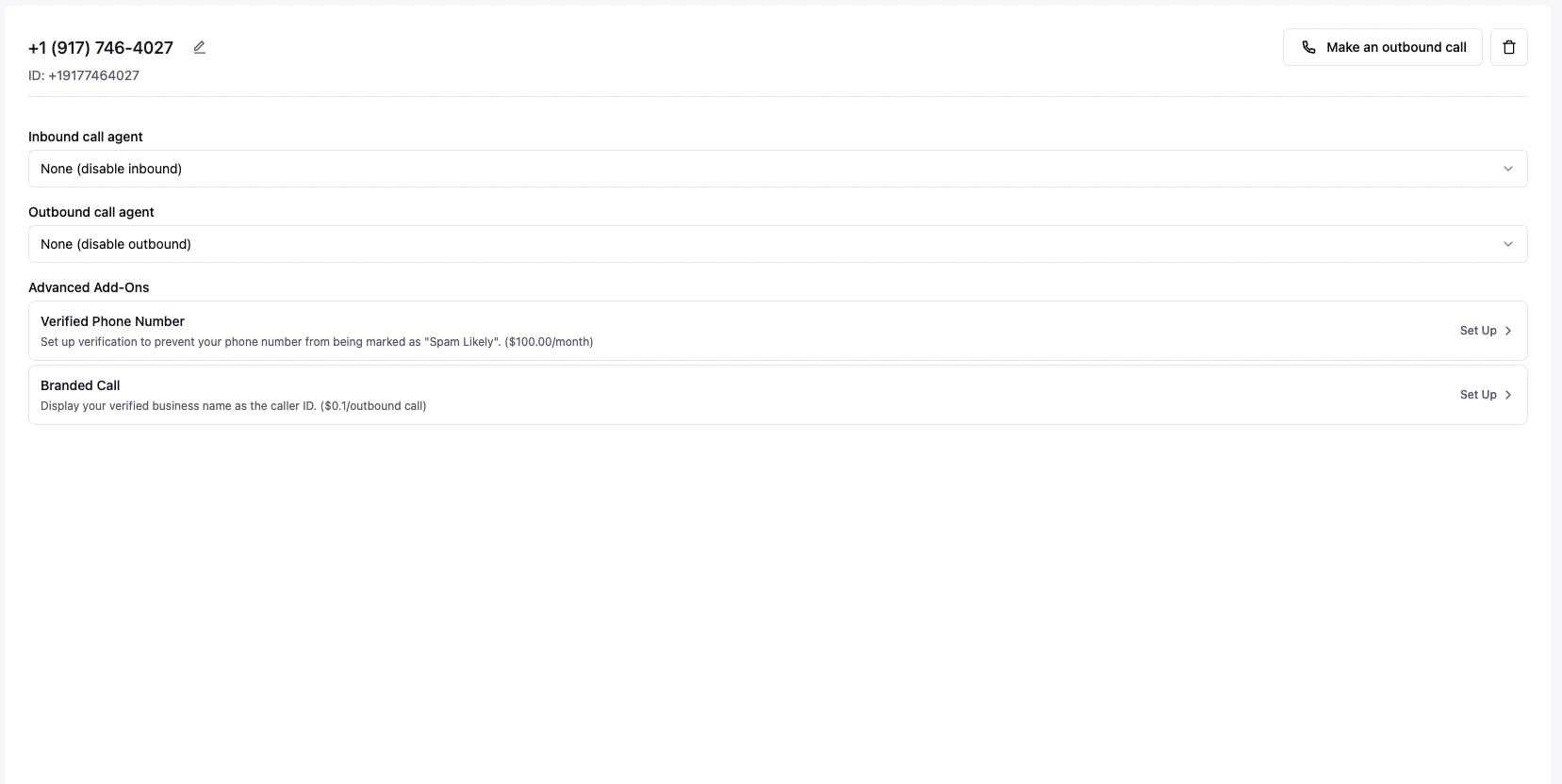
1. Navigate to any premium service (e.g., Verified Phone Number or Branded Call)
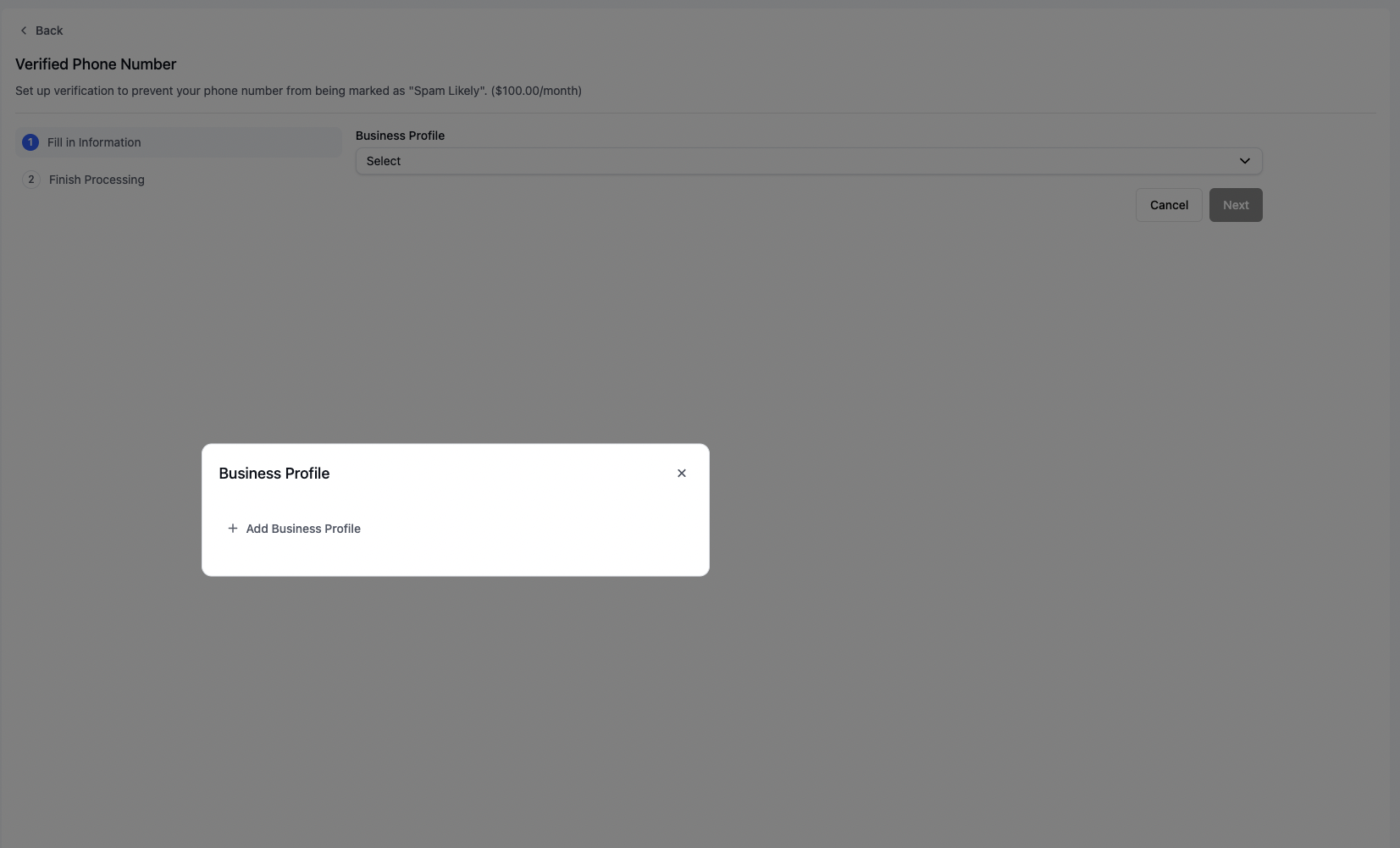
2. Look for the Business Profile section in the setup process
 ### Step 2: Complete the business profile form
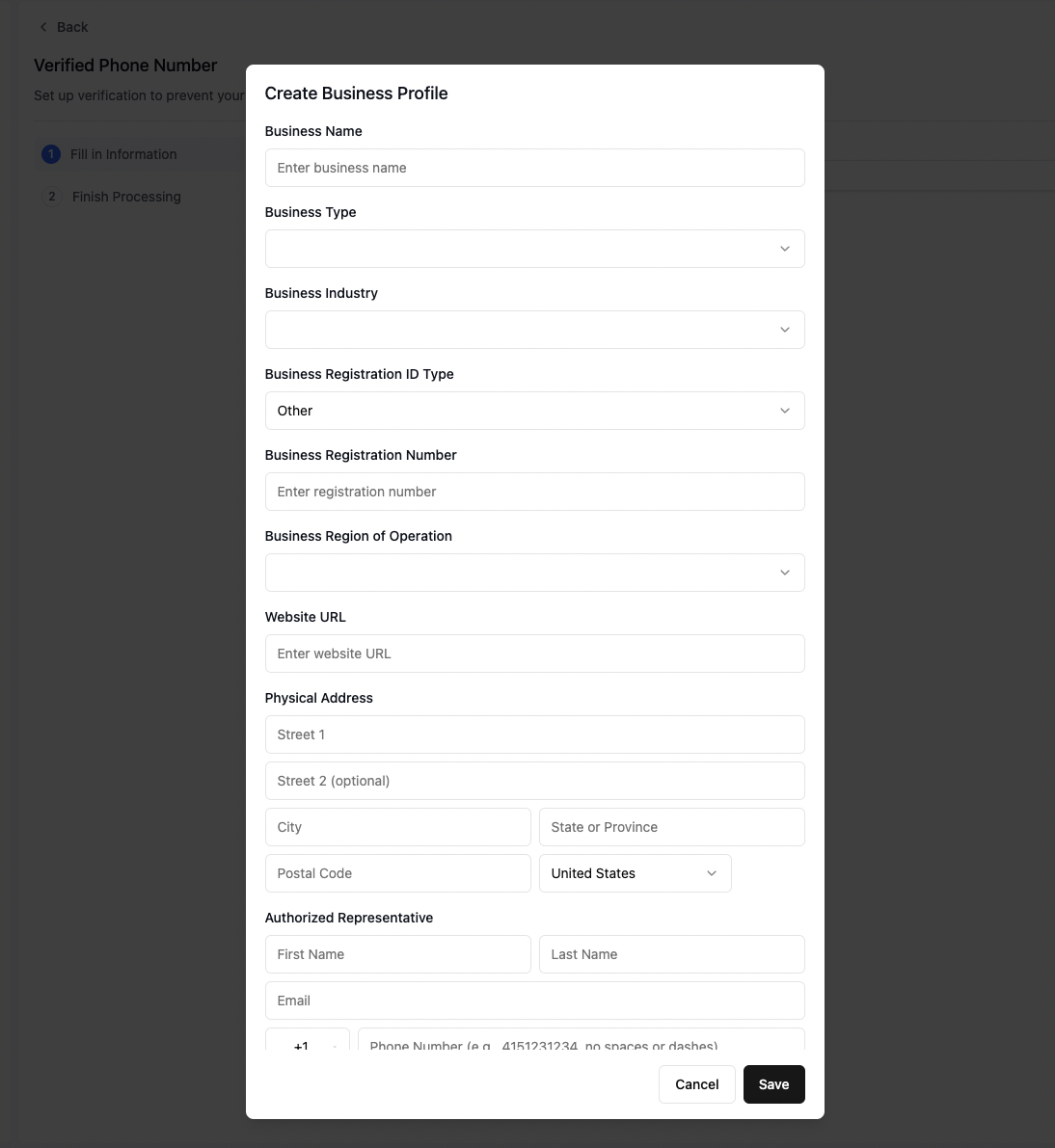
Fill in all required business information across both sections of the form:
### Step 2: Complete the business profile form
Fill in all required business information across both sections of the form:
 #### Important requirements
* **Business Registration**: Enter the exact registration number as it appears on your official documents
* **Business Address**: Provide your current, verified business address
* **Contact Number**: Use a physical phone line (VoIP numbers are not accepted)
* **Website**: Ensure your website's content accurately reflects your business name and operations
### Step 3: Submit and continue
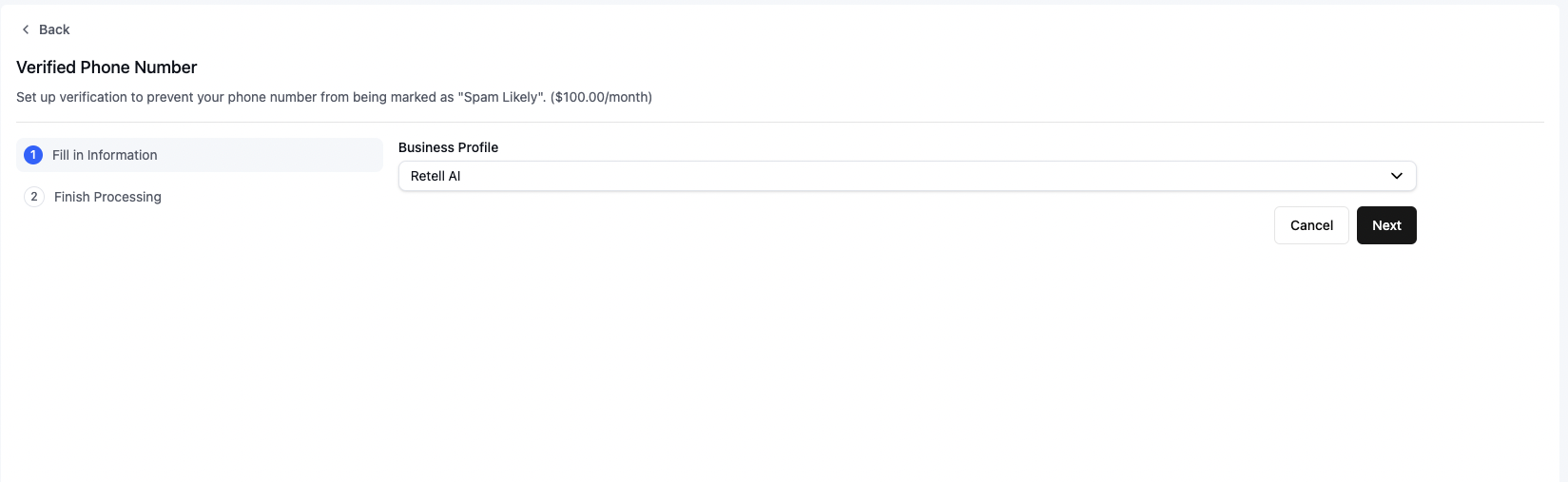
1. Click "Save" to submit your business profile
2. Click "Next" to proceed with your service application
#### Important requirements
* **Business Registration**: Enter the exact registration number as it appears on your official documents
* **Business Address**: Provide your current, verified business address
* **Contact Number**: Use a physical phone line (VoIP numbers are not accepted)
* **Website**: Ensure your website's content accurately reflects your business name and operations
### Step 3: Submit and continue
1. Click "Save" to submit your business profile
2. Click "Next" to proceed with your service application
 ## Next steps
After your business profile is saved, apply for the service you want:
* [Apply for a verified phone number](/build/telephony/verified-phone)
* [Apply for branded call](/build/telephony/branded-call)
* [Enable SMS on a Retell number](/deploy/enable-sms), which reuses this profile for the brand and [campaign application](/deploy/sms-campaign-application)
If your profile is rejected, see [how to handle a rejection](/build/telephony/branded-call-rejection).
## Next steps
After your business profile is saved, apply for the service you want:
* [Apply for a verified phone number](/build/telephony/verified-phone)
* [Apply for branded call](/build/telephony/branded-call)
* [Enable SMS on a Retell number](/deploy/enable-sms), which reuses this profile for the brand and [campaign application](/deploy/sms-campaign-application)
If your profile is rejected, see [how to handle a rejection](/build/telephony/branded-call-rejection).