> ## Documentation Index
> Fetch the complete documentation index at: https://docs.retellai.com/llms.txt
> Use this file to discover all available pages before exploring further.
# Apply for verified phone number
> Apply for a Retell verified phone number on US numbers to remove "Spam Likely" labels, increase trust with carriers, and improve outbound call pickup rates.
*Only available for U.S. numbers at this time*
Phone carriers may mark certain phone numbers as "Spam Likely", particularly when telephony providers like Twilio recycle previously used numbers. This can happen if a phone number was previously associated with spam activities before being reassigned. See the [spam likely overview](/build/telephony/call_efficiency_overview) for how to check whether your number is affected.
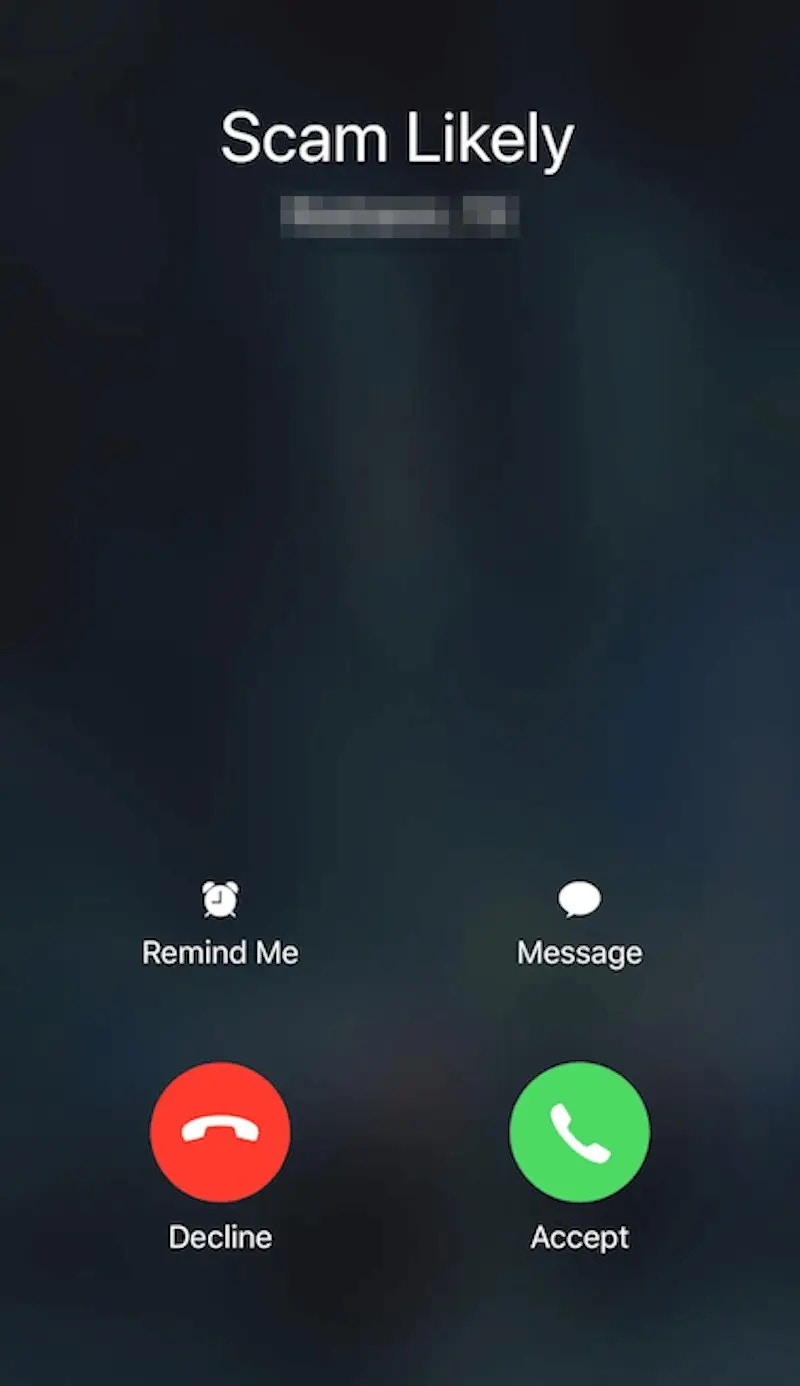 To ensure your Retell phone number maintains a trusted status and isn't flagged as spam, you can register it as a verified phone number.
### Step 1: Create a business profile
First, create a business profile by following the [Business Profile](/build/telephony/business-profile) guide.
### Step 2: Apply for phone number verification
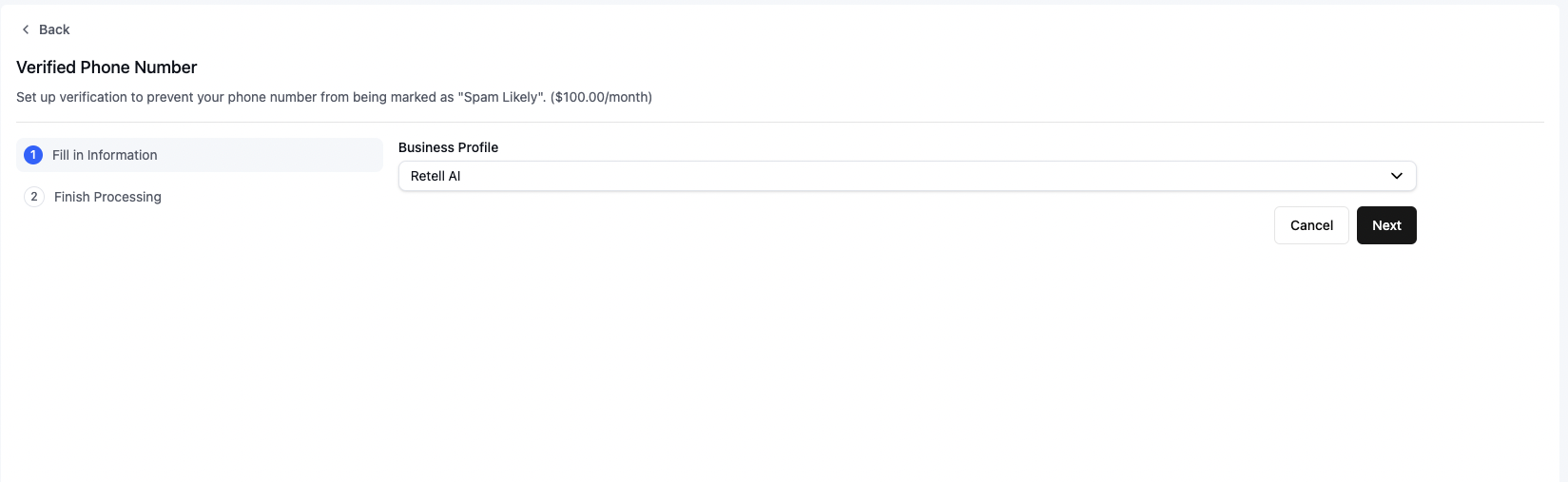
Once your business profile is set up, select it and submit your verification application through the dashboard.
To ensure your Retell phone number maintains a trusted status and isn't flagged as spam, you can register it as a verified phone number.
### Step 1: Create a business profile
First, create a business profile by following the [Business Profile](/build/telephony/business-profile) guide.
### Step 2: Apply for phone number verification
Once your business profile is set up, select it and submit your verification application through the dashboard.
 ### Step 3: Verification approval
Once approved, the number appears under the "Phone Numbers" tab with an "Active" status, confirming it's verified and trusted.
### Step 3: Verification approval
Once approved, the number appears under the "Phone Numbers" tab with an "Active" status, confirming it's verified and trusted.
 Please allow 1-2 weeks for your application to be processed. If it's rejected, you'll receive an email; see [how to handle a rejection](/build/telephony/branded-call-rejection) to review the reason and resubmit.
To also display your business name on outbound calls, apply for [branded call](/build/telephony/branded-call). To stop verification later, see [stop caller ID service](/build/telephony/delete-service).
## FAQ
Verified phone numbers are available for U.S. numbers only at this time.
Allow 1-2 weeks for your application to be processed.
You'll receive an email notification. Go to your phone detail page to review the reason, then fix the issues and resubmit. See [how to handle a rejection](/build/telephony/branded-call-rejection).
Yes. A verified [business profile](/build/telephony/business-profile) is a prerequisite for applying.
You can stop the service at any time without interrupting calls. See [stop caller ID service](/build/telephony/delete-service).
Please allow 1-2 weeks for your application to be processed. If it's rejected, you'll receive an email; see [how to handle a rejection](/build/telephony/branded-call-rejection) to review the reason and resubmit.
To also display your business name on outbound calls, apply for [branded call](/build/telephony/branded-call). To stop verification later, see [stop caller ID service](/build/telephony/delete-service).
## FAQ
Verified phone numbers are available for U.S. numbers only at this time.
Allow 1-2 weeks for your application to be processed.
You'll receive an email notification. Go to your phone detail page to review the reason, then fix the issues and resubmit. See [how to handle a rejection](/build/telephony/branded-call-rejection).
Yes. A verified [business profile](/build/telephony/business-profile) is a prerequisite for applying.
You can stop the service at any time without interrupting calls. See [stop caller ID service](/build/telephony/delete-service).