

If the number also has SMS, a rejected business profile marks its A2P brand and campaigns rejected as well. Fix the profile first, then work back down through the SMS rejection steps.

1
Check rejection status
Go to your phone detail page, where your “Verified Phone Number” or “Branded Call” shows a “Rejected” status.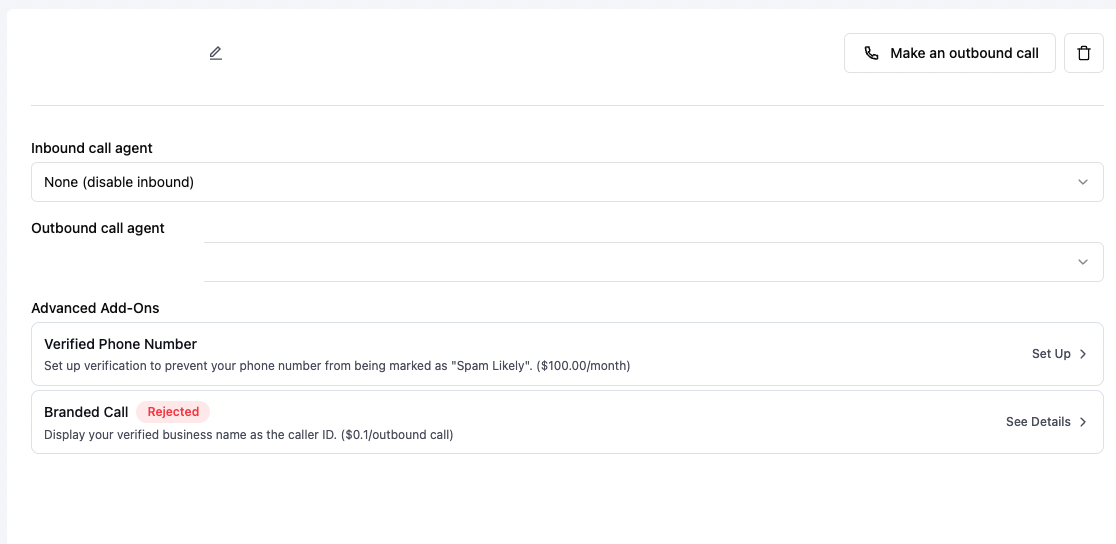
2
Review the rejection reason
Click to view the detailed reason for rejection.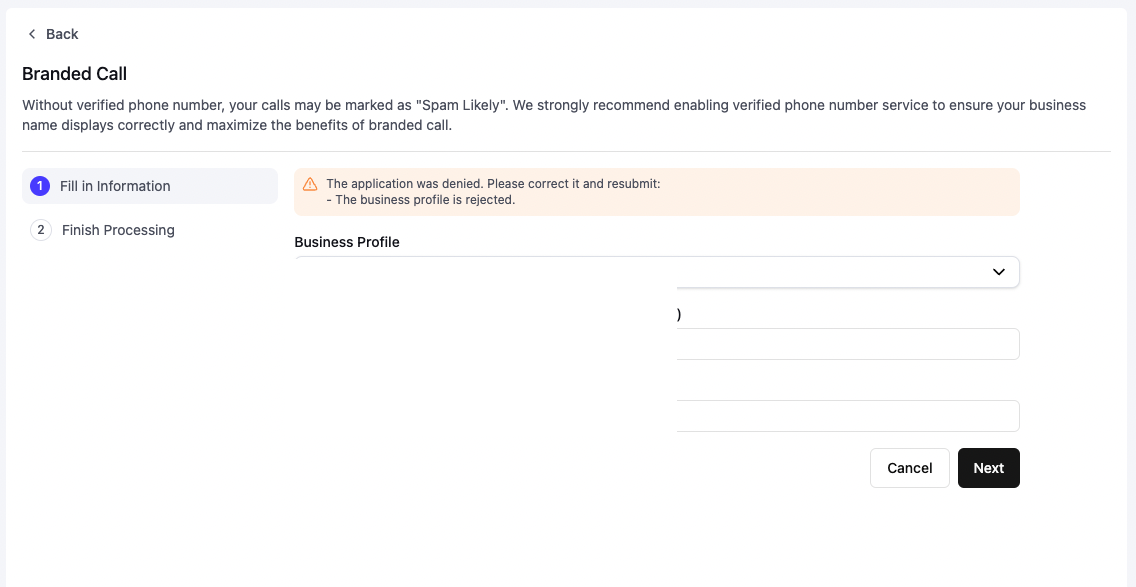
3
Check your business profile
If your business profile was rejected, click the business profile details to understand why.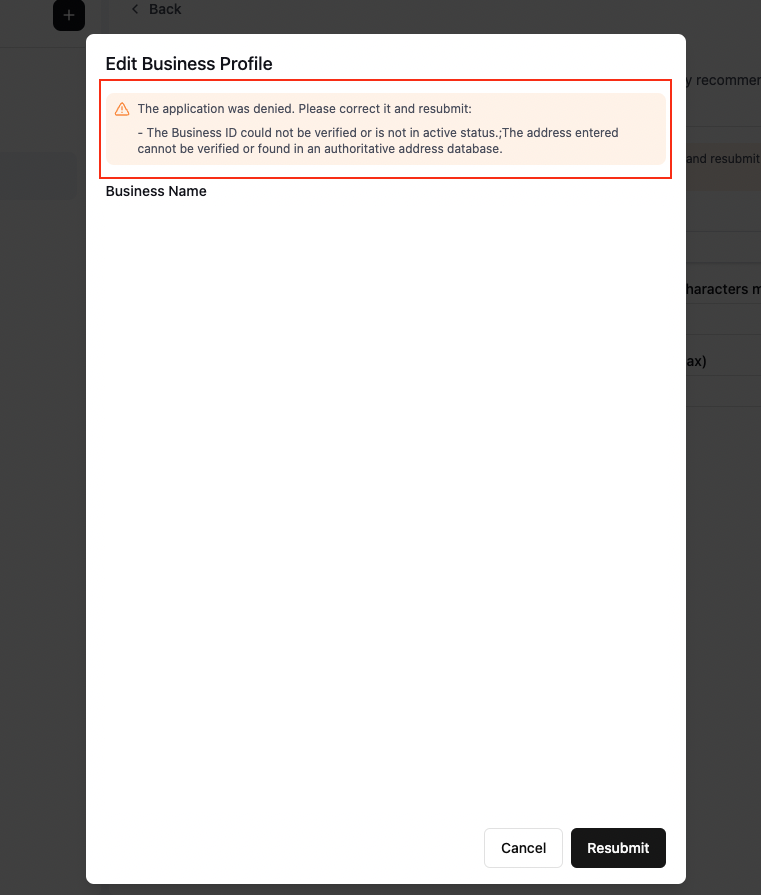
4
Resubmit your application
After addressing the rejection reasons, resubmit through the dashboard from the verified phone number or branded call application.